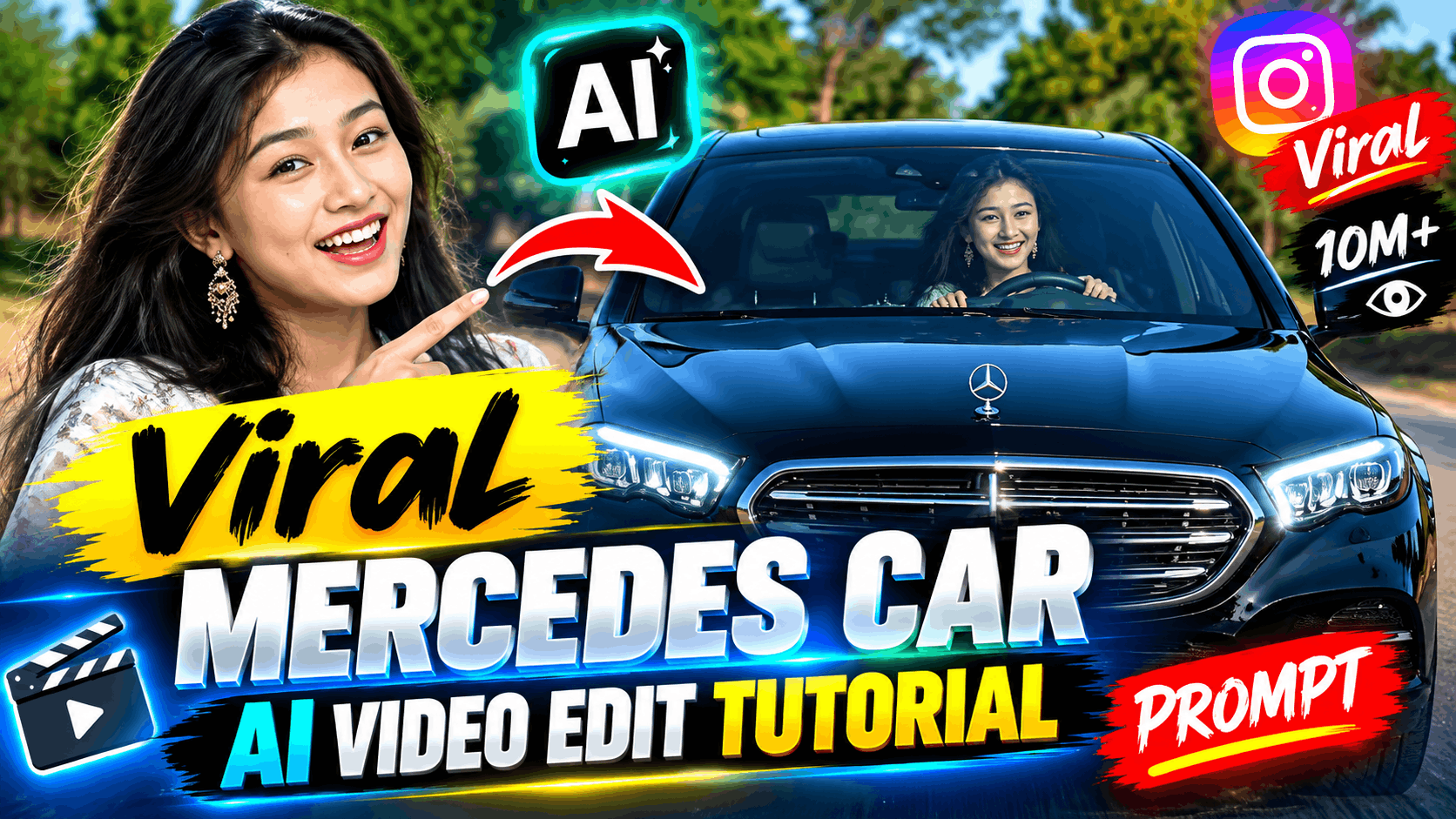
Last week I was scrolling Instagram at 1 AM when a reel stopped my thumb mid-swipe. A guy in a black Mercedes, one hand on the wheel, brakes hard, turns to the camera with a slight smirk. The beat drops. The reel had millions of views.
My first thought: “Nice car, nice shoot.” My second thought, after checking the comments: “Wait… this isn’t real?”
It wasn’t. The car, the road, even the lighting were generated with AI from a single photo. And the best part is that you can make one yourself in about 15 minutes, without a camera crew, a driving licence, or a Mercedes.
In this guide, I’ll walk you through exactly how, including the mistakes that ruined my first three attempts.
What Is the Mercedes AI Car Reel Trend?
The trend is simple. Creators upload a photo of themselves, write a short prompt, and an image-to-video AI tool produces a cinematic clip of that person driving or sitting in a luxury Mercedes. Most reels include a moment of attitude: a sharp steering turn, a sudden stop, a head turn toward the camera, or a lip-sync to a trending audio.
It works because it sells a fantasy that feels close enough to touch. Nobody gets tired of seeing a dream car, and when the person in it looks like you or your friend, people stop scrolling to check whether it’s real.
What You Need Before You Start
- One clear photo of yourself. Front-facing or slightly angled, good lighting, no sunglasses, no heavy filters.
- An image-to-video AI tool. Google Flow, Hailuo, Kling and similar tools all work. Free credits and features change often, so check what your chosen tool currently offers.
- A video editor for finishing. CapCut is more than enough.
- A trending audio track saved from Instagram.
Step-by-Step: How to Make It
Step 1: Choose the right photo. This decides 70% of your result. Pick a photo where your face is sharp and evenly lit. Blurry, dark or heavily edited pictures make the AI guess, and its guesses tend to change your face mid-video.
Step 2: Open your image-to-video tool. Select the image-to-video mode, set the aspect ratio to 9:16 for Reels and Shorts, and choose a short duration (5 to 10 seconds is ideal).
Step 3: Upload your photo and paste the prompt. Use the prompt below as your base.
Step 4: Generate and review. Watch for face stability, natural hand movement and believable car motion. Generate 2 to 3 versions and pick the best one.
Step 5: Edit in CapCut. This is where the reel goes from “AI clip” to “viral reel.” More on this below.
The Prompt (Original, Ready to Use)
A cinematic vertical video shot on a real smartphone camera. The person from the uploaded photo sits in the driver’s seat of a black Mercedes-Benz, hands on the steering wheel, driving down a quiet city road at golden hour. Their face stays exactly the same as the photo throughout the clip. They glance at the road, then turn slowly toward the camera with a confident, relaxed expression. Natural blinking, subtle head movement, realistic skin texture with small imperfections. The camera is a steady dashboard-mounted shot with slight natural vibration. Warm sunlight flickers across the windshield. Realistic reflections on the glass and dashboard. The car moves smoothly with true-to-life speed and weight. No slow motion, no floating, no cartoon or 3D-render look, no extra people, no text or watermark.
Want variations? Swap the moment, keeping the rest the same:
- “They brake suddenly, exhale, and smile at the camera.”
- “They turn the steering wheel sharply with one hand while looking ahead.”
- “They lip-sync quietly to music, nodding slightly to the beat.”
Why Your First Attempt Probably Looks Fake (And How to Fix It)
This is the section I wish someone had written for me.
The face changes halfway through. Fix: use a sharper, well-lit photo and add the line “face stays exactly the same as the photo” to your prompt. Shorter clips (5 to 6 seconds) also hold identity better.
The car looks like a video game. Fix: explicitly mention “shot on a real smartphone camera” and “no 3D-render look.” Words like cinematic alone can push AI toward glossy, CGI-style output.
The car floats or slides. Fix: describe the motion realistically, such as “smooth road movement with true-to-life weight,” and avoid asking for dramatic drifts in your first try.
The skin looks plastic. Fix: ask for “natural skin texture with small imperfections.” Perfect skin is the biggest giveaway of AI.
The expression looks stiff. Fix: give the AI one clear action, not five. “Glance at the road, then turn to the camera” beats a long list of emotions.
Editing Tips That Make It Go Viral
A raw AI clip rarely goes viral by itself. The editing does the heavy lifting.
- Sync the action to the beat. Time the head turn or sudden stop to the audio’s drop. This single trick makes the reel feel intentional.
- Add a subtle colour grade. Slightly increase contrast, add a warm tone, and reduce saturation a little. It hides AI smoothness.
- Layer real sound. Add a soft engine hum or road ambience underneath the music. Silence feels artificial.
- Add a light film grain. A tiny bit of grain makes the footage feel camera-recorded.
- Keep it short. Under 10 seconds with a strong first second wins on Reels.
- Write a hook caption. Something like “POV: you finally got the car” pulls comments.
A Quick Word on Responsible Use
AI videos are fun, but keep them honest. Use your own photo or someone’s clear permission, never a stranger’s. Don’t make videos of real people in misleading situations. Label your post as AI-generated where the platform asks you to. It keeps your account safe and your audience’s trust intact.
Frequently Asked Questions
Do I need a real Mercedes to make this video?
No. The car is generated entirely by the AI from your prompt.
Is this free?
Many tools offer free daily or starter credits, but limits change often, so check the tool’s current plan before you start.
How long does it take?
Generation usually takes a few minutes. With editing, expect 15 to 30 minutes for your first reel.
Which photo works best?
A sharp, front-facing, well-lit photo with no sunglasses or heavy filters.
Can I use this for other cars?
Yes. Replace “black Mercedes-Benz” with any car in the prompt, like a G-Wagon, BMW or Rolls-Royce.
Why does my video look different from the viral ones?
Usually it’s the photo quality, generic prompt wording, or missing post-editing. Go through the fixes above one by one.
Final Thoughts
The Mercedes AI reel trend isn’t about the car. It’s about giving people a small, believable slice of the life they imagine, and doing it with nothing but a photo and a good prompt. Start with one clean photo, keep your prompt specific, generate a few versions, and spend real time on the edit. That combination is what separates a forgotten clip from a reel with a million views.
Try it out, and tell me in the comments which version turned out best.