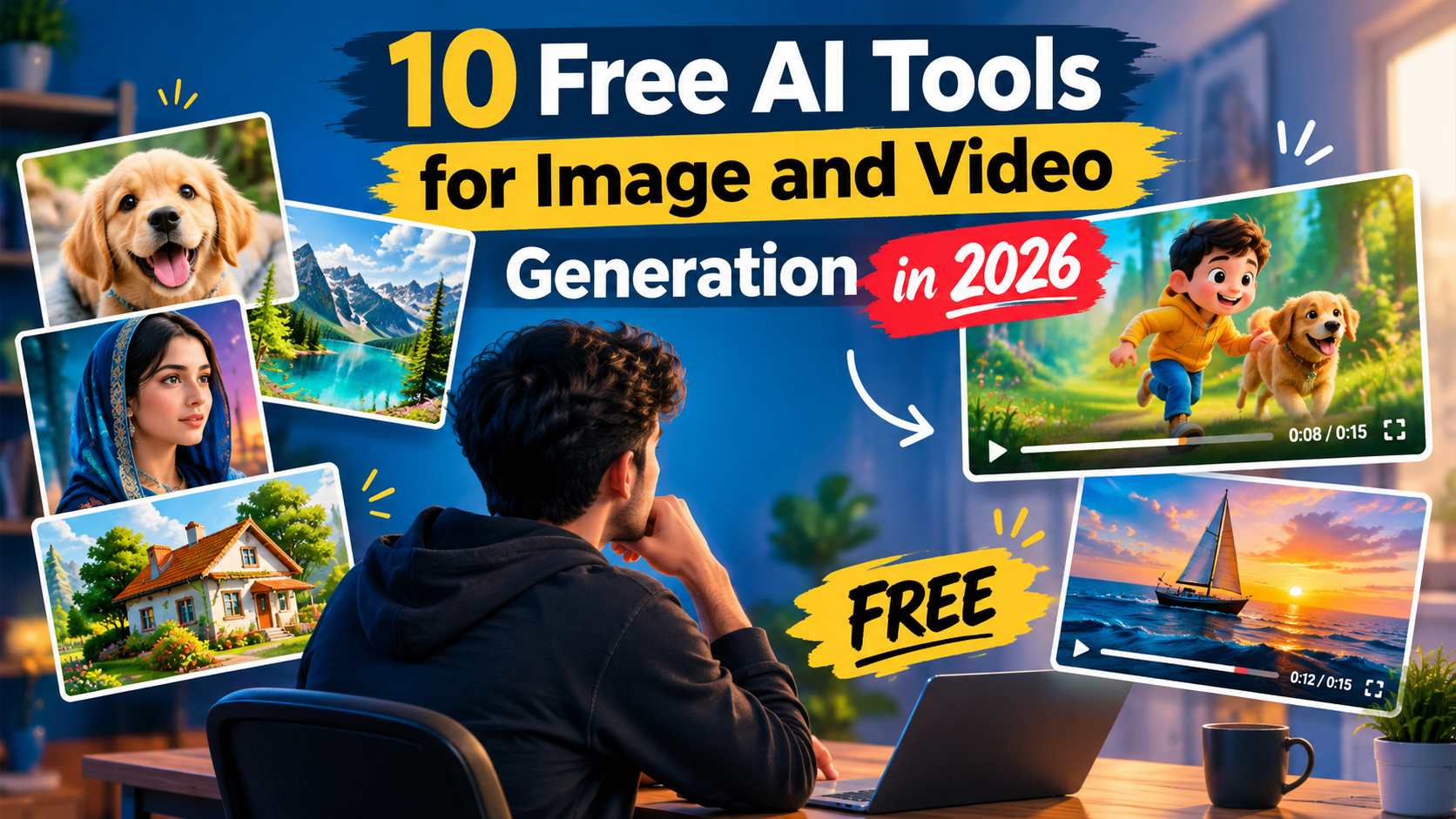
A few years ago, making a nice picture or a short video meant a camera, editing software and a lot of time. Today you can type one sentence and get a picture in seconds. Even better, many of the top tools have a free plan.
I picked 5 tools for images and 5 tools for videos. For each one you will see what it does, who it is best for, and what you get for free. I used easy words, so you can choose fast and start today.
Please note: AI companies change their free limits often. The numbers below are based on recent reports and may change, so check the official site before you plan big work.
Quick Look: All 10 Tools
| # | Tool | Type | Best for |
|---|---|---|---|
| 1 | Google Gemini (Nano Banana) | Image | All-round, text in images |
| 2 | ChatGPT | Image | Detailed prompts and edits |
| 3 | Microsoft Designer / Bing | Image | Beginners, high free volume |
| 4 | Ideogram | Image | Logos and posters |
| 5 | Leonardo AI | Image | Art and characters |
| 6 | Google Flow (Veo) | Video | Best-quality clips |
| 7 | Meta AI (Vibes) | Video | Social media clips |
| 8 | Kling AI | Video | Many daily free tries |
| 9 | Hailuo AI | Video | Photo to video |
| 10 | Pika | Video | Easy and fun effects |
5 Free AI Image Generators
1. Google Gemini (Nano Banana) Image
By Google
Gemini makes images from simple chat prompts. Its image model is nicknamed Nano Banana, so when people say “Nano Banana” they mean this same tool. It is also good at editing: upload a photo and ask for a change, like a new background or different colors.
- Best for: Everyday users, posters and pictures with readable text
- Free plan: Free with a Google account. Reports say about 20 images a day with the standard model, and the Pro image model is much more limited. Limits can change.
Try Google Gemini (Nano Banana) →
2. ChatGPT (GPT Image) Image
By OpenAI
ChatGPT understands long and detailed prompts very well. You can keep talking to it, like “same picture, but at night”, and it changes the image step by step.
- Best for: Detailed ideas and step-by-step changes
- Free plan: Free users can create a limited number of images. Paid plans give higher limits.
3. Microsoft Designer / Bing Image Creator Image
By Microsoft
This is one of the simplest free options. Sign in with a Microsoft account, type what you want, and get pictures. It is great for social media posts.
- Best for: Beginners and quick social media pictures
- Free plan: Free with a Microsoft account. It uses daily “boosts” for faster results, and you can still create at normal speed after they finish.
Try Microsoft Designer / Bing Image Creator →
4. Ideogram Image
By Ideogram
Many AI tools mess up words inside pictures. Ideogram is known for getting text right, so it is handy for logos, posters, quotes and thumbnails.
- Best for: Logos, posters and text inside images
- Free plan: A small free credit allowance (around 10 credits per week or day, depending on the plan period). Check the pricing page for the latest.
5. Leonardo AI Image
By Leonardo.Ai
Leonardo gives you many styles and settings. It is popular for characters, game art, fantasy scenes and product concepts.
- Best for: Art, characters and creative styles
- Free plan: Free plan with limited daily credits. The amount changes from time to time.
5 Free AI Video Generators
6. Google Flow (Veo) Video
By Google
Flow is Google’s AI video tool built on its Veo models. It can make short clips with sound from text or from a picture. Gemini is linked with it, but note that video inside the Gemini app itself is reported to need a paid plan, so use Flow for free tries.
- Best for: Best-quality free clips
- Free plan: Free accounts get about 50 credits per day. That is roughly 5 short Veo 3.1 Lite clips a day. Unused credits do not carry over, and free clips may carry a watermark.
7. Meta AI (Vibes) Video
By Meta
Meta AI lets you create short AI videos in its Vibes feed. You can start from scratch or remix a video, then share it to Instagram and Facebook.
- Best for: Fun short clips for social media
- Free plan: Free at the moment. Meta has said a freemium plan with paid extras is coming, so limits may change.
8. Kling AI Video
By Kuaishou
Kling turns text or images into short videos and is liked for natural movement. It is one of the better tools for getting many free tries.
- Best for: More free tries every day
- Free plan: Free daily credits (reports say around 66 a day, roughly 6 standard clips). Free videos are usually short.
9. Hailuo AI Video
By MiniMax
Hailuo is fast and very good at turning one picture into a moving video. Upload a photo, describe the motion, and wait a short while.
- Best for: Image-to-video
- Free plan: Free credits for new users, then daily or limited credits. Check the site for current numbers.
10. Pika Video
By Pika Labs
Pika is easy and playful. It offers fun effects and simple controls, which makes it a good first video tool.
- Best for: Beginners and quick creative effects
- Free plan: Monthly free credits for casual use, so it is best for testing ideas.
Click Here: Use These 2 Free Websites to Make Unlimited AI Videos in 2026
Click Here: Top 5 Best AI Text to Video Generator Websites ( FREE )
How to Get Better Results (Simple Tips)
- Write clear prompts. Say who or what is in the picture, where it is, the light, and the mood. Example: “A small orange cat sleeping on a sofa near a sunny window, soft morning light.”
- Start with an image, then make a video. Make a good picture first, then animate it. This saves your video credits.
- Try again. Your first result may not be perfect. Change a few words and generate again.
- Keep it short. Free video clips are short, so plan one simple idea per clip.
- Be honest about AI. When you post AI pictures or videos, use the platform’s AI label.
Which Tool Should You Pick?
- New to AI? Start with Gemini or Microsoft Designer for images, and Meta AI for videos.
- Need text on your image? Use Ideogram or Gemini.
- Want the best free video? Try Google Flow first, then Kling.
- Want to animate a photo? Try Hailuo or Kling.
Frequently Asked Questions
Are these AI tools really free?
Yes, each one has a free way to start. But free plans have limits, such as daily credits, slower speed or a watermark. Paid plans remove or raise these limits.
Can I use the pictures and videos for business?
Rules are different for every tool. Read the terms of the tool you use before you sell or advertise with your results.
Is Nano Banana a different tool from Gemini?
No. Nano Banana is the nickname of Gemini’s image model, so you use it inside Gemini.
Why does my free video have a watermark?
Many free plans add a small mark to the video. Paid plans usually remove it.
Do I need a powerful computer?
No. These tools run online in your browser or phone app, so a normal phone or laptop is enough.
Final Words
You do not need to pay to start creating with AI. Pick one image tool and one video tool, try them for a week, and keep the ones you like. With simple prompts and a bit of practice, you will make better pictures and clips every day.