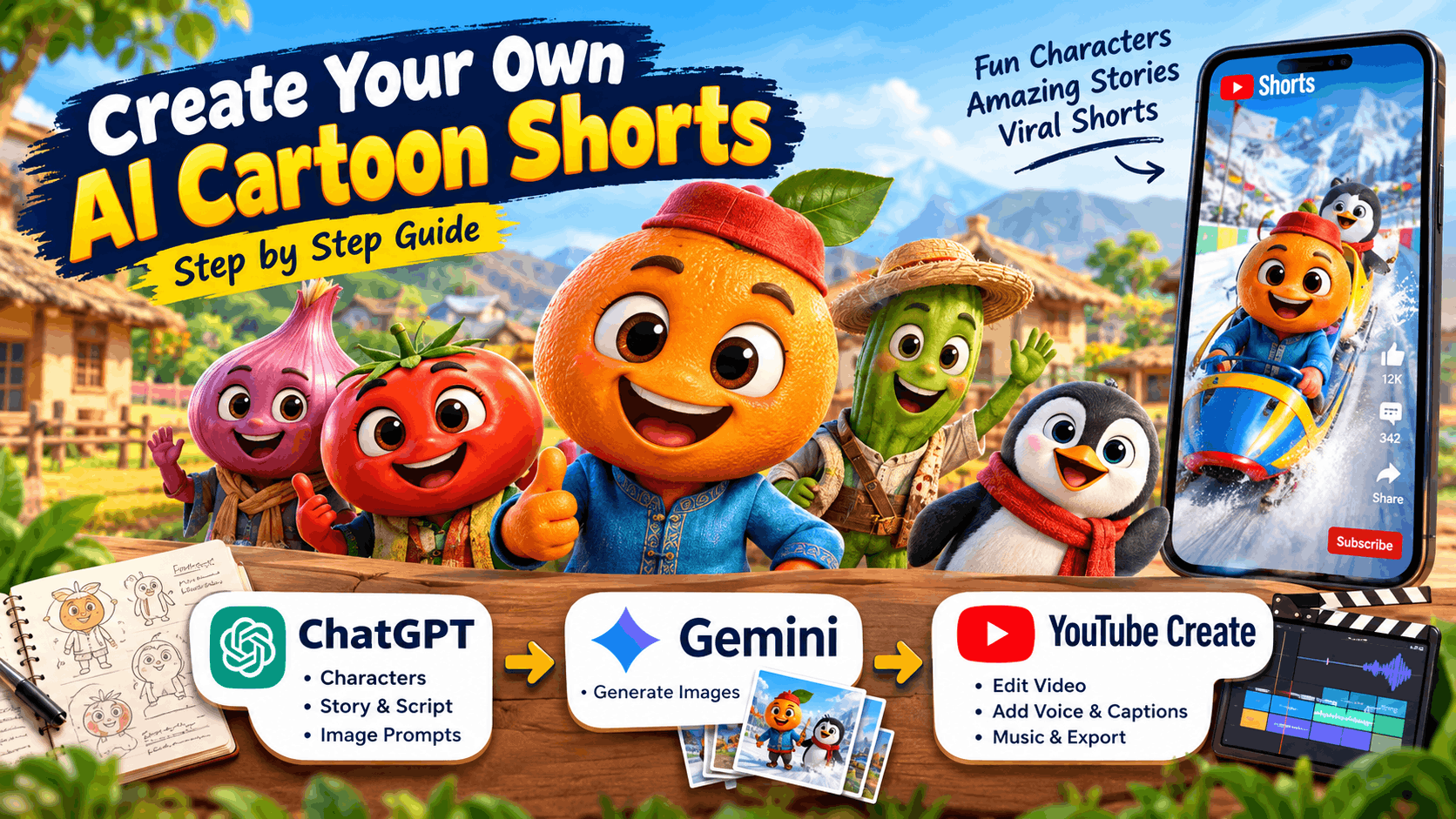
Scroll through YouTube Shorts for a few minutes and you will probably see them: 3D cartoon oranges, onions and tomatoes with human faces, stuck in silly and sometimes emotional stories. An orange racing a penguin in a bobsled. A family floating on a flying charpai. A farmer staring at a mountain of candy in his field. Channels like Day Masti TV have collected millions of views with this style.
The good news is that you don’t need animation software or a big budget to try it. In this guide, you will learn how to build your own story workflow using three tools:
- ChatGPT for characters, stories and image prompts
- Gemini for the images
- YouTube Create for turning images into a finished video
Let’s get started.
What Makes This Style Work?
Before you create anything, it helps to know why these Shorts get attention:
- Fun characters: Fruits and vegetables with expressive human faces, sometimes with animals like a camel, fox or penguin.
- A polished look: Bright colors, glossy 3D textures and big, friendly eyes.
- Familiar settings: Village fields, deserts and snowy mountains that feel colorful and easy to understand.
- One simple idea: Each video is built around a single, quirky “what if” idea.
- Vertical format: 9:16 videos with a new image for each scene.
One important note: take inspiration from the style, not the characters. Create your own characters, names and channel identity. This keeps your channel original and helps you avoid copyright trouble.
The Tools You Need
| Tool | What it does |
|---|---|
| ChatGPT | Writes your characters, story, script and image prompts |
| Gemini | Creates the image for every scene |
| YouTube Create | Joins the images, adds voice, captions and music, then exports the video |
All three have free options, so you can start without spending money.
Step 1: Build a Character Bible with ChatGPT
The biggest problem with AI images is that characters look different in every picture. A “character bible” fixes this. It is a short, fixed description of each character that you paste into every prompt.
Copy this prompt into ChatGPT:
You are a children's animation writer. Create 5 original characters for a
funny fruit and vegetable cartoon universe set in an Indian village.

For each character, give me:
- Name
- Type of fruit or vegetable
- Personality (2 lines)
- A detailed physical description (colors, clothes, eyes, accessories)
  written so an AI image tool can recreate the same character every time
- One signature dialogue

Style: Pixar-like 3D, warm village atmosphere.
Save the physical descriptions somewhere safe. Here is an example of what a good one looks like:
“Chintu the Orange: a cheerful 3D orange with a human face, big round eyes, a blue kurta and a small red cap, glossy skin, Pixar-style.”
You will reuse this exact line in every image prompt.
Step 2: Create a Reusable Story Prompt
Now turn ChatGPT into your own story machine. Save this prompt and change only the idea each time.
You are a viral YouTube Shorts story writer. My characters are:[paste your character bible here]
Story idea: [example: “Orange and Penguin race on a snowy mountain”] Please give me: 1. A short story for a 30 to 40 second video, with a strong hook in the first 3 seconds 2. 6 scenes. For each scene: scene number, what happens (1-2 lines), and a short voiceover line 3. A funny twist or a small moral at the end 4. A video title and 5 hashtags
Need ideas? Ask ChatGPT for “20 absurd what-if story ideas” for your characters. For example: “What if vegetables held their own Olympics?” or “What if a UFO landed in a village field?”
Step 3: Write an Image Prompt for Every Scene
Next, ask ChatGPT to turn each scene into an image prompt:
For each scene above, write a detailed English image prompt.

Rules:
- Repeat the full character description in every prompt
- Vertical 9:16 aspect ratio
- Pixar-style 3D render, vibrant colors, cinematic lighting, ultra detailed
- Clearly describe the camera angle and background
- No text or watermark in the image
Example result:
“Vertical 9:16, Pixar-style 3D render. Chintu the Orange (a cheerful orange with a human face, big round eyes, blue kurta, small red cap) races a penguin down a snowy mountain track in colorful bobsleds. Bright flags in the background, dynamic action pose, cinematic lighting, ultra detailed, no text.”
Step 4: Generate Your Images in Gemini
- Open Gemini and paste your first image prompt.
- When you get an image you like, keep it as your reference.
- For the next scenes, upload that reference image and write: “Keep this same character and look, and create this new scene: …”
- If the face or clothes change, paste the full character description again.
- Always mention “vertical 9:16” in your prompt. If the image comes out square, ask Gemini to recreate it in vertical format.
- Generate two or three versions of each scene and pick the best one.
Mistakes to avoid:
- Rewriting the character description differently each time, which breaks consistency
- Writing very long prompts with conflicting instructions
- Letting text appear inside the image, since AI often misspells words. Add “no text” to your prompt.
Click Here: Create Long, Professional AI Videos in Minutes
Step 5: Build the Video in YouTube Create
YouTube Create is a free mobile editing app that is simple enough for beginners.
- Start a new project and import your images in scene order.
- Set each image to about 4 to 6 seconds, for a total of 30 to 40 seconds.
- Add a slow zoom or pan effect so still images feel alive.
- Add your voiceover. You can record the script yourself or use a text-to-speech tool and import the audio.
- Turn on auto captions. Easy, readable captions help viewers keep watching.
- Add soft background music and a few sound effects. Keep the music quieter than your voice.
- Export the video and upload it straight to YouTube.
Step 6: Upload and Grow Your Channel
- Write a short title that sparks curiosity, such as “Orange vs Penguin: Who Wins? 🍊🐧”
- Use a few relevant hashtags: #shorts plus two or three that match your niche.
- Put your best moment first. The first 2 to 3 seconds decide whether people stay.
- Post regularly. Aim for 4 to 5 Shorts per week if you can.
- Build a series. When the same characters come back, viewers start to care about them.
- Follow YouTube’s disclosure rules. YouTube asks creators to label realistic content that is AI-generated or altered. Check the current policy and answer the disclosure questions honestly when you upload.
- Add your own creativity. Channels that mass-produce near-identical AI content can run into monetization problems. Original stories, your own voice and fresh ideas protect you and make your channel worth following.
Click Here: How to Create Viral AI Pet Videos Using ChatGPT and Google Flow
The Full Workflow at a Glance
- ChatGPT: create your character bible
- ChatGPT: turn an idea into a story with 6 scenes and voiceover lines
- ChatGPT: write an image prompt for each scene
- Gemini: generate images, using a reference image for consistency
- YouTube Create: combine images, voiceover, captions and music, then export
- YouTube: upload with a good title, hashtags and the right AI label
Final Thoughts
The charm of fruit and veggie stories is in their simplicity. A funny character, a silly idea and a clear ending are enough to make people smile and share. With a solid character bible, one reusable story prompt and a little editing, you can turn out a new Short every day without any complicated software.
Keep your characters original, add your own personal touch, and stay consistent. Your first viral Short might be closer than you think. 🍊🧅🍅
Frequently Asked Questions
Can I make these videos for free?
Yes. ChatGPT, Gemini and YouTube Create all have free options, though limits on image generation can vary.
How do I keep my characters looking the same?
Save a fixed character description, paste it into every prompt, and upload your best image as a reference in Gemini.
How long should a Short be?
Around 30 to 40 seconds works well for a simple story like this.
Is it okay to copy another channel’s characters?
No. Use the general style as inspiration, but create your own characters and names.