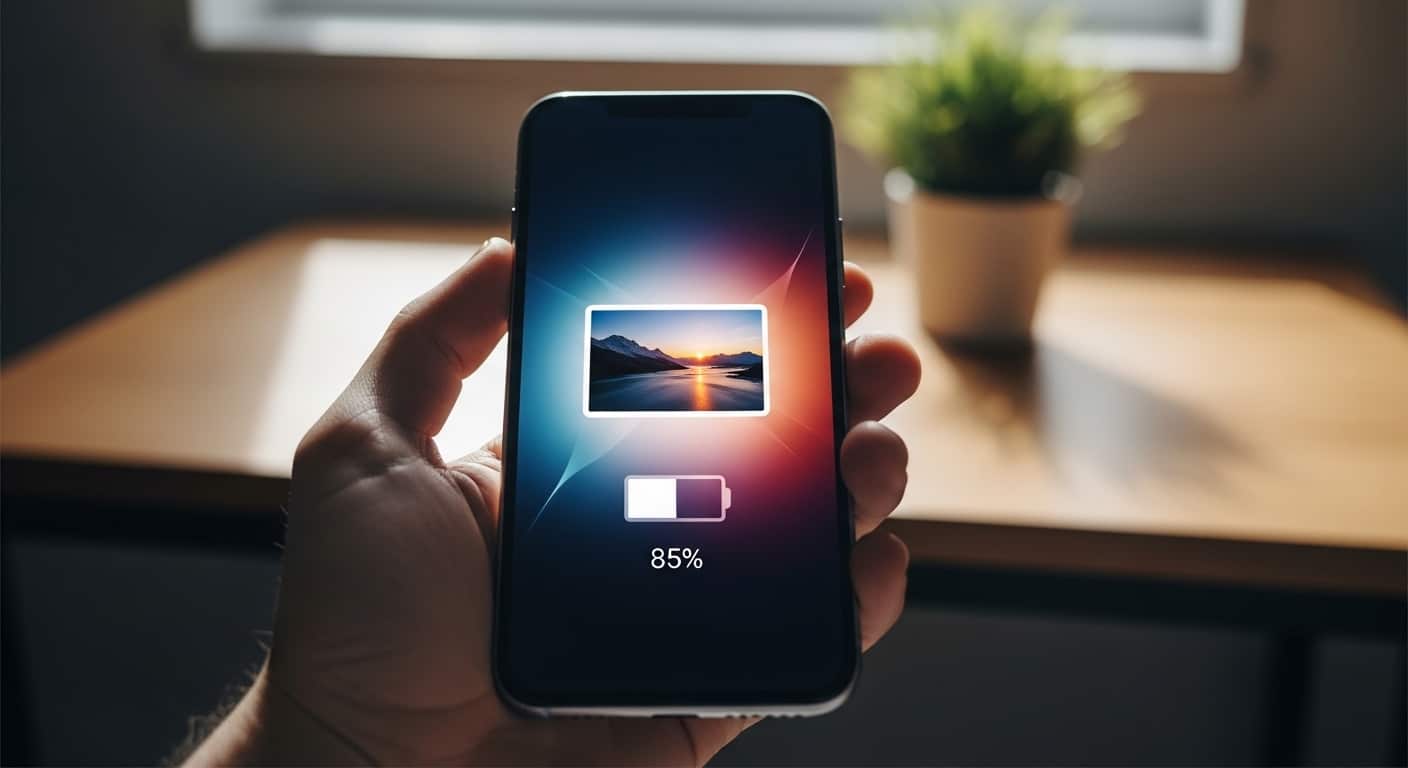
Ever noticed that simple animation that appears every time you plug in your phone to charge?
We charge our phones multiple times a day… but honestly, that default charging screen looks boring, right?
What if I told you that you can completely change your Android charging animation — and even add your own photo or video to the charging screen?
Yes, it’s possible. And today, I’m going to show you how you can make your phone look stylish, smart, and unique with an amazing app called Pika – Battery Charging Animation.
📱 Why Change Your Charging Animation?
Most Android phones come with a default charging animation. The problem?
You can’t normally change it.
But with the right app, you can:
- Add 100+ live battery charging animations
- Upload your own photo on the charging screen
- Even add a custom video
- Make your phone look premium and personalized
Every time you plug in your charger, your selected animation will automatically appear on screen.
⭐ Pika – Battery Charging Animation (App Overview)
Pika Charging Show is a powerful Android app that allows you to customize your phone’s charging screen easily.
🔥 Key Features:
✔ 100+ Live Battery Charging Animations
✔ Set your own photo on the charging screen
✔ Add custom wallpaper
✔ Check last charging time
✔ See battery percentage count
✔ Charging animation shows automatically after plugging in cable
✔ Customize animation play duration
✔ Choose how to close animation (tap / double tap)
Every animation inside the app looks modern, colorful, and attractive.
🛠 How To Use Pika Charging Animation App?
Follow these simple steps:
Step 1: Install & Open the App
Download and install the app from the Play Store.
Open it and allow all required permissions.
Step 2: Select Charging Animation
- Click on the Charging Animation option.
- Browse through 100+ available styles.
- Choose your favorite animation.
Some animations require watching a short ad.
- Click Video Unlock
- Watch the ad completely
- Close the ad
Now your selected animation will be unlocked.
Step 3: Customize Animation
You can customize:
• Play Duration – Choose how long animation appears after charging.
• Closing Method – Select how to stop animation (tap or double tap).
After customizing, click “Set Now”.
Done! 🎉
Now whenever you plug in your charger, the animation will automatically appear.
🖼 How To Add Your Picture On Charging Screen?
Want something more personal? Add your own photo!
Here’s how:
- Click on the Plus (+) button.
- Choose between:
- Charging Wallpaper
- Charging Animation
- Select Charging Wallpaper
- Choose your favorite photo
- Click Complete
- Tap the tick mark
- Click Set Now
Now when you charge your phone, your photo will appear on the full screen — floating beautifully during charging.
It makes your phone look unique and stylish.
💡 Why You Should Try This App
We charge our phones every day. Why not make that experience beautiful?
With Pika Charging Show, you can:
- Personalize your Android device
- Make your phone look attractive
- Add your favorite photo or video
- Impress your friends with a cool charging screen
If you love customizing your Android phone and want a smart, premium look — this app is definitely worth trying.
📌 Final Words
Instead of using the same old boring charging screen, upgrade your Android experience today.
Add stylish battery charging animations and make your phone stand out every time you plug it in.
Try it once — you’ll love the difference. 💙