GenV – AI Video Generator
Developer: Nguyen Binh Trong | Platform: Android
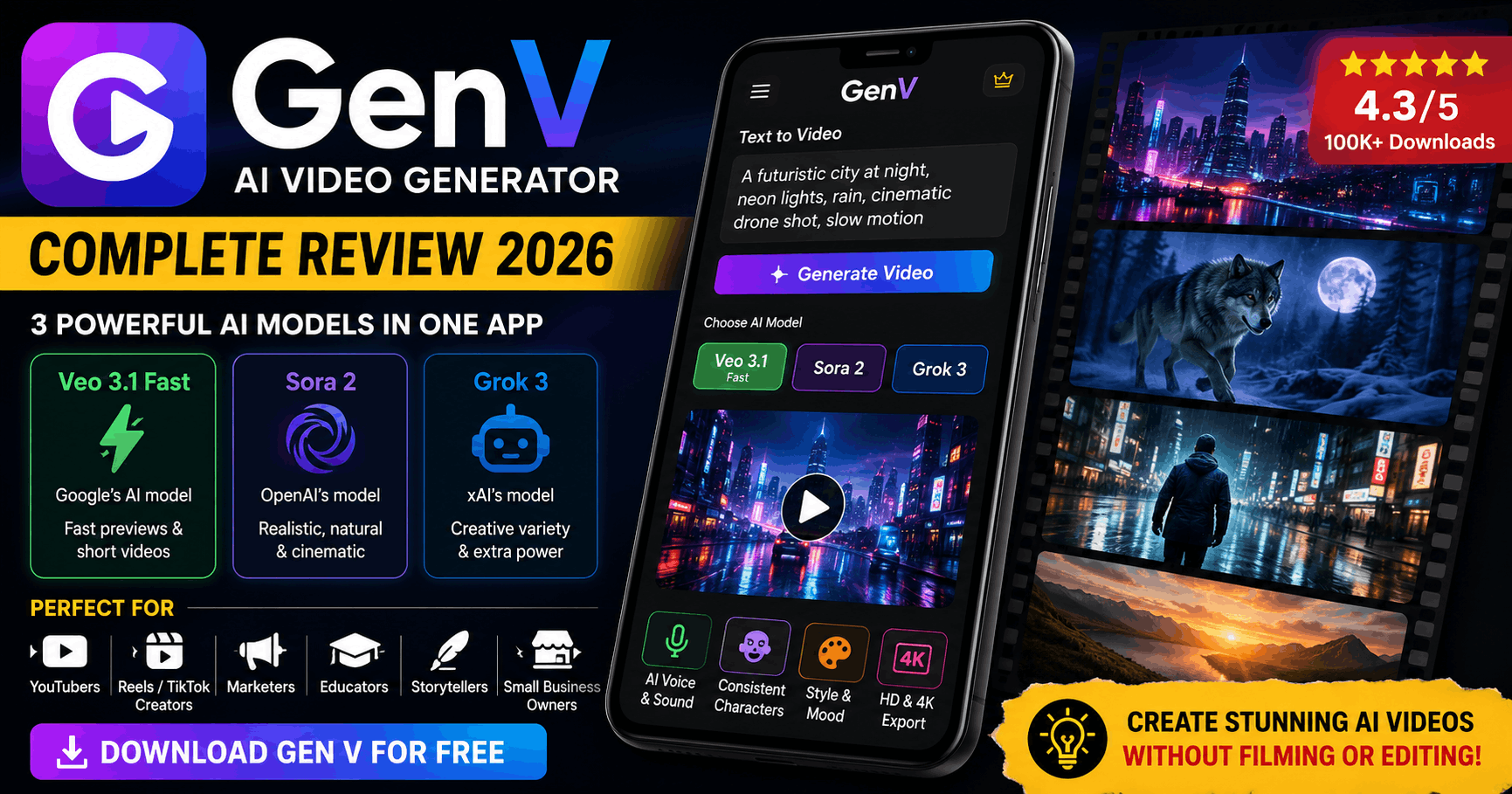
AI video generation has been one of the most talked-about technologies in 2026. Until recently, creating AI videos required a powerful computer, expensive software, and technical knowledge. GenV – AI Video Generator changes that by putting the power of top AI models like Veo 3.1 and Sora 2 directly into your Android phone.
I went through the app, its features, user reviews, and real-world performance so you do not have to guess. Here is an honest, complete review of GenV in 2026.
What Is GenV and How Does It Work?
GenV is an Android application that allows you to type a text prompt and generate a short AI video in minutes. Think of it like ChatGPT, but instead of giving you text, it gives you a video.
You describe what you want — a sunset over mountains, a person walking through a futuristic city, a product advertisement — and the app’s AI models create a video based on your description. No filming, no editing, no studio required.
What makes GenV stand out from other AI video apps is the combination of three powerful AI models in one place — Veo 3.1 Fast (by Google), Sora 2 (by OpenAI), and Grok 3 (by xAI). Each model has different strengths, which we cover below.
The 3 AI Models Inside GenV
Having all three models in one app is genuinely useful. You can use Veo 3.1 Fast to quickly test your prompt idea, then switch to Sora 2 for the final high-quality version. This flexibility is something most competitor apps do not offer.
What Can GenV Actually Do?
📝 Text to Video
The core feature. Type any description and the AI generates a short cinematic video. The more detailed your prompt, the better the output. Example: “A wolf running through a snowy forest at night, moonlight reflecting on the snow, cinematic slow motion” — and the app creates it.
🎤 AI Voice and Sound
GenV can auto-generate voiceovers and background music for your videos directly inside the app. You do not need to record your own voice or find royalty-free music separately. This is a significant time-saver for content creators.
🎭 Consistent Characters
One of the biggest challenges in AI video generation is keeping characters looking the same across multiple clips. GenV addresses this by maintaining consistent style, color, and character design across scenes — useful for storytelling and series content.
🎨 Style and Mood Controls
You can adjust the tone, lighting, camera angles, and visual filters of your generated videos. Want a cinematic noir look? A bright and colorful animated style? A realistic documentary feel? These controls give you creative flexibility without any editing knowledge.
📤 HD and 4K Export
Videos can be exported in HD or 4K quality — ready to upload directly to YouTube, TikTok, Instagram Reels, or Facebook without any quality loss.
Who Should Use GenV?
GenV is built for a wide range of users. Based on its features and the way people are actually using it, here is who gets the most value from this app:
| User Type | How GenV Helps Them |
|---|---|
| 📹 YouTubers | Create faceless AI videos without camera or editing skills |
| 📱 Reels / TikTok Creators | Generate unique viral video content from simple prompts |
| 💼 Marketers | Produce product ads and promotional videos quickly |
| 📚 Educators | Create explainer and concept videos for students |
| ✍️ Storytellers | Visualize scripts, stories, and creative concepts |
| 🛒 Small Business Owners | Make social media videos without hiring a videographer |
GenV – Honest Pros and Cons
✅ What We Liked
- Three powerful AI models in one app
- Free to use (during non-peak hours)
- No filming or editing skills needed
- AI voice and background music built in
- HD and 4K export quality
- User-friendly interface
- Great for faceless YouTube channels
- 4.3 star rating with 100K+ downloads
❌ What Could Be Better
- Server gets overloaded during peak hours
- Free access sometimes restricted
- Ads can be disruptive
- Recent update changed how prompts work (users frustrated)
- Data cannot be deleted once shared
- Small independent developer (less long-term guarantee)
- Video length limited on free plan
What Real Users Are Saying
We went through hundreds of user reviews on the Play Store to give you an honest picture of the real experience. Here are some representative ones:
The pattern is clear: the core technology is genuinely impressive and users love what it can do. The main frustrations are server reliability during busy hours and changes introduced by recent updates. These are fixable issues, and the developer has been responsive to feedback.
How to Use GenV to Actually Earn Money
This is the part most review articles skip. GenV is not just a fun toy — it is a real content creation tool that people are using to build income streams.
💰 Method 1 — Faceless YouTube Channel
Use GenV to create AI-generated videos on topics like motivation, facts, travel, science, or stories. Post consistently on YouTube. Once you hit 1,000 subscribers and 4,000 watch hours, apply for YouTube Partner Program and earn through AdSense. Many faceless channels are earning $500–$3,000 per month this way.
💰 Method 2 — Sell Videos on Fiverr
Create a Fiverr gig: “I will create a cinematic AI promotional video for your business.” Businesses pay $30–$150 for short promotional videos. With GenV, you can produce these in 10–20 minutes. Take on 5–10 orders per week and that adds up fast.
💰 Method 3 — Instagram Reels and TikTok
Post visually stunning AI-generated videos on Instagram and TikTok. Build a following in a specific niche (nature, science, luxury, AI art). Monetize through brand sponsorships, affiliate links in bio, or TikTok Creator Fund once eligible.
GenV vs Other AI Video Apps
| App | AI Models | Free Plan | Best For |
|---|---|---|---|
| GenV | Veo 3.1, Sora 2, Grok 3 | ✅ Yes (limited) | Multi-model flexibility |
| Pictory AI | Own model | ✅ 3 videos | Blog to video |
| Virbo (Wondershare) | Own model | ✅ Yes | Avatar-style videos |
| Runway ML | Gen-3 Alpha | ✅ Limited | Professional editing |
| Kling AI | Kling 2.0 | ✅ Yes | Realistic motion |
GenV’s biggest advantage over competitors is having three top-tier AI models in one free app. No other Android app currently offers Sora 2 and Veo 3.1 together without a premium subscription.
Final Verdict
GenV is one of the most capable free AI video apps available on Android in 2026. The combination of Veo 3.1, Sora 2, and Grok 3 in a single free app is genuinely impressive — and hard to find anywhere else.
The server reliability issues and post-update complaints are real concerns, but the developer has been actively improving the app. If you can work around the occasional traffic delays, GenV offers extraordinary value for content creators, marketers, and anyone building an online income through video.
Verdict: Download it, try it, and be patient with the occasional server hiccup. The technology itself is worth it.
Quick FAQs
Is GenV completely free?
Yes, GenV is free to download and use. However, during peak traffic hours, free access may be temporarily restricted. The developer has confirmed this is a traffic management measure, not a paywall.
Is it safe to use?
GenV is available on the official Google Play Store with a 3+ content rating. The app may share photos and videos data with third parties, so avoid generating content containing personal or sensitive information.
Can I use GenV videos on YouTube and TikTok?
Yes. All AI-generated content is clearly labeled as “AI generated” within the app, which is compliant with platform policies. Always disclose AI-generated content when uploading to maintain transparency with your audience.
What phone do I need?
Any modern Android phone running Android 7.0 or higher should work. A stable internet connection is required since all video generation happens on the cloud, not on your device.