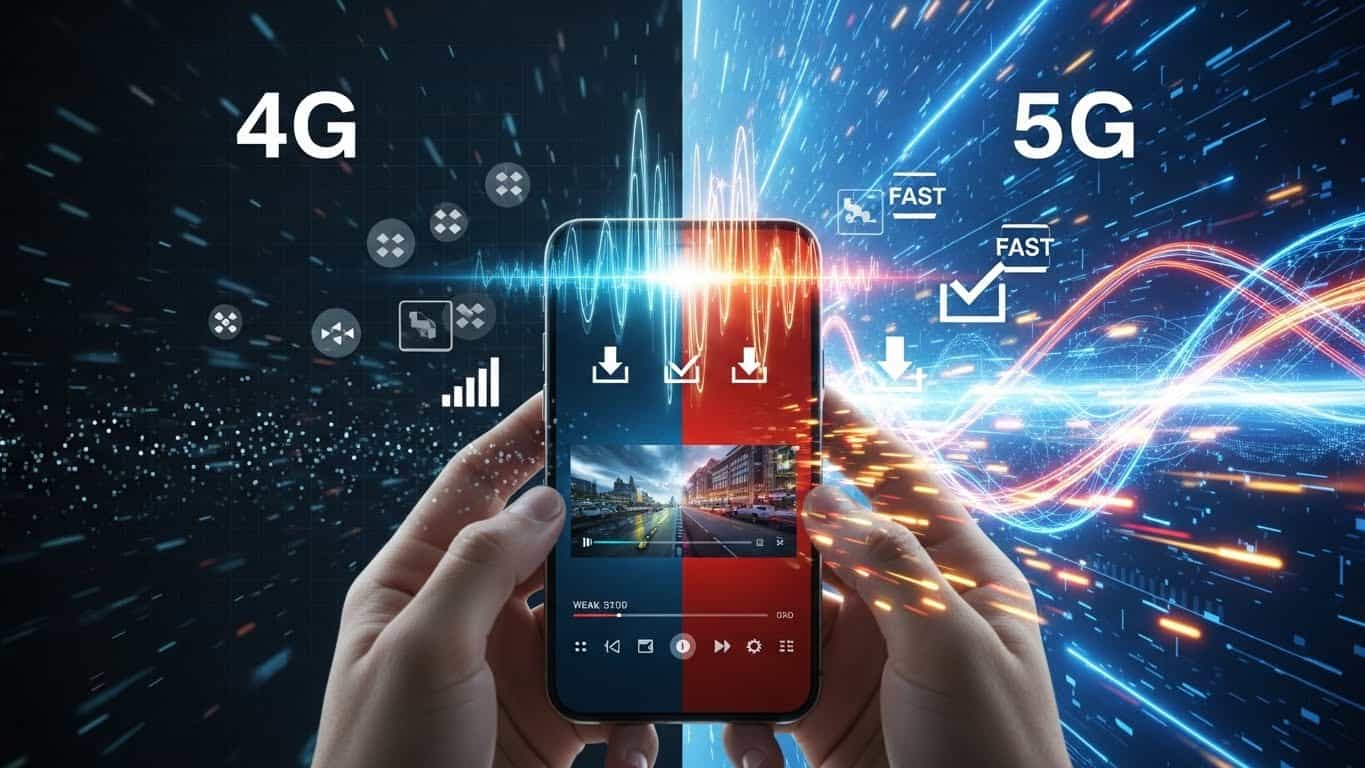
Imagine downloading a full HD movie in seconds, enjoying lag-free gaming, and experiencing ultra-smooth video calls even in crowded places. This is not the future anymore — this is 5G.
The transition from 4G to 5G is one of the biggest upgrades in mobile technology, changing how we use smartphones, the internet, and smart devices. Whether you’re a regular smartphone user or someone who loves tech, understanding how to upgrade from 4G to 5G is now more important than ever.
In this guide, we’ll explain why 5G matters, how you can upgrade your device, and how to get the best 5G experience — in simple, easy-to-understand language.
Why Should You Upgrade from 4G to 5G?
Before upgrading, let’s understand what makes 5G such a game-changer.
1. Super-Fast Internet Speed
5G offers speeds up to 100x faster than 4G, making streaming, downloading, and online gaming incredibly smooth.
2. Ultra-Low Latency
Latency is the delay between action and response. With 5G, this delay is almost unnoticeable — perfect for online gaming, AR/VR, and future technologies like self-driving cars.
3. Better Connectivity
5G can handle more devices at the same time, making it ideal for smart homes, IoT devices, and busy public areas.
4. Improved Network Reliability
Even in crowded locations like stadiums, concerts, or markets, 5G provides a stable and reliable connection.
Steps to Upgrade Your Device from 4G to 5G
Upgrading to 5G is easier than you might think. Just follow these steps:
1. Check 5G Coverage in Your Area
First, confirm whether 5G service is available where you live. Most telecom providers offer online 5G coverage maps on their websites.
2. Use a 5G-Compatible Smartphone
Not all phones support 5G.
- Check your current phone’s specifications
- If it doesn’t support 5G, consider upgrading to a 5G-enabled device
3. Upgrade Your SIM Card (If Required)
Some older SIM cards may not support 5G. Contact your network provider to see if you need a 5G SIM upgrade.
4. Choose the Right 5G Plan
Many carriers offer special 5G data plans. Compare prices, data limits, and speed options to select a plan that suits your needs and budget.
5. Enable 5G in Phone Settings
Once your device and plan are ready:
- Go to Network / Cellular Settings
- Turn on 5G or Auto 5G mode
Tips to Get the Best 5G Experience
- Keep your phone updated: Software updates improve 5G performance
- Optimize network settings: Set your phone to prioritize 5G
- Monitor data usage: Faster speed means faster data consumption
- Carry a power bank: 5G can drain battery quicker than 4G
Frequently Asked Questions About 5G
Is 5G safe to use?
Yes. Scientific studies confirm that 5G technology follows international safety standards.
Will 5G completely replace 4G?
Not immediately. 4G and 5G will work together for several years.
Do I need to change my carrier for 5G?
Most major carriers already offer 5G. Check with your existing provider before switching.
Conclusion
Upgrading from 4G to 5G isn’t just about faster internet — it’s about stepping into a smarter, more connected digital future. With the right device, plan, and settings, you can easily enjoy everything that 5G has to offer.
Don’t wait for tomorrow — upgrade today and experience the power of next-generation connectivity.